YoursecondscreenfortheRift.
Rift links your phone to the League client on your computer. Accept the queue from the couch, ban and lock in from your phone, get your runes imported, follow the game live and see how you played the second it ends.


























Queue to recap, one tap at a time.
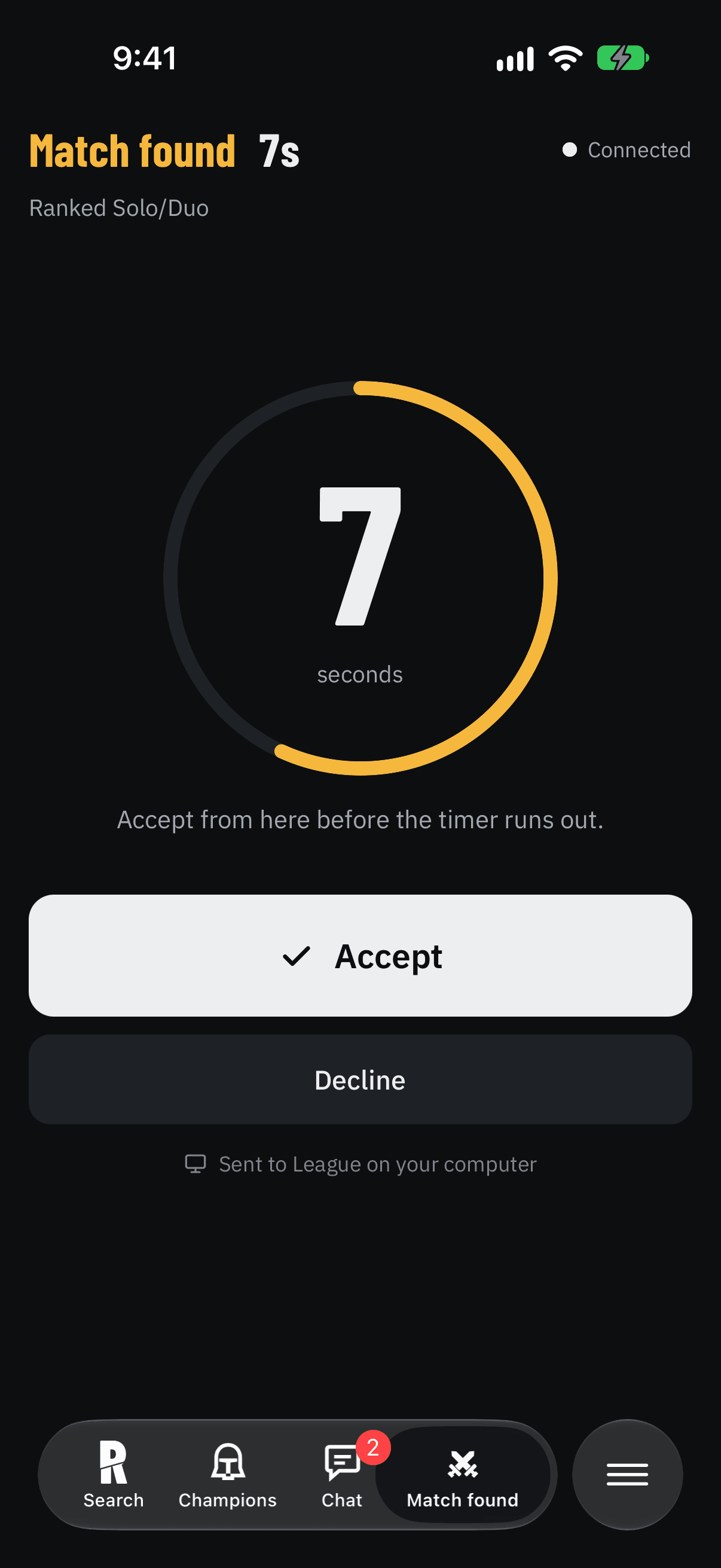
Accept from anywhere
Grab a drink while you queue. When the match pops, your phone buzzes with an Accept button that works from the lock screen, and the desktop accepts it in the client.
- ✓Push the second a match is found
- ✓Accept or decline from the notification
- ✓Works on any network, no port forwarding
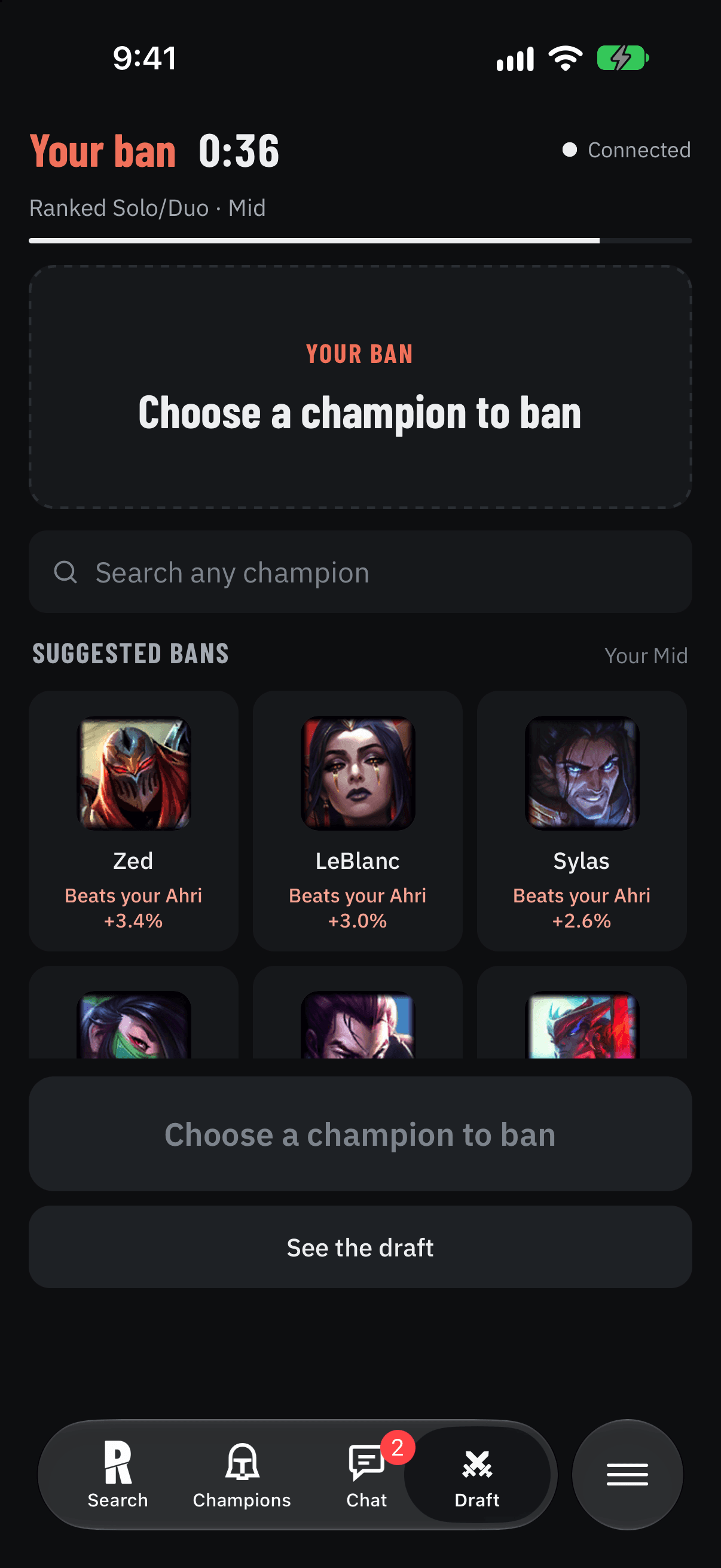
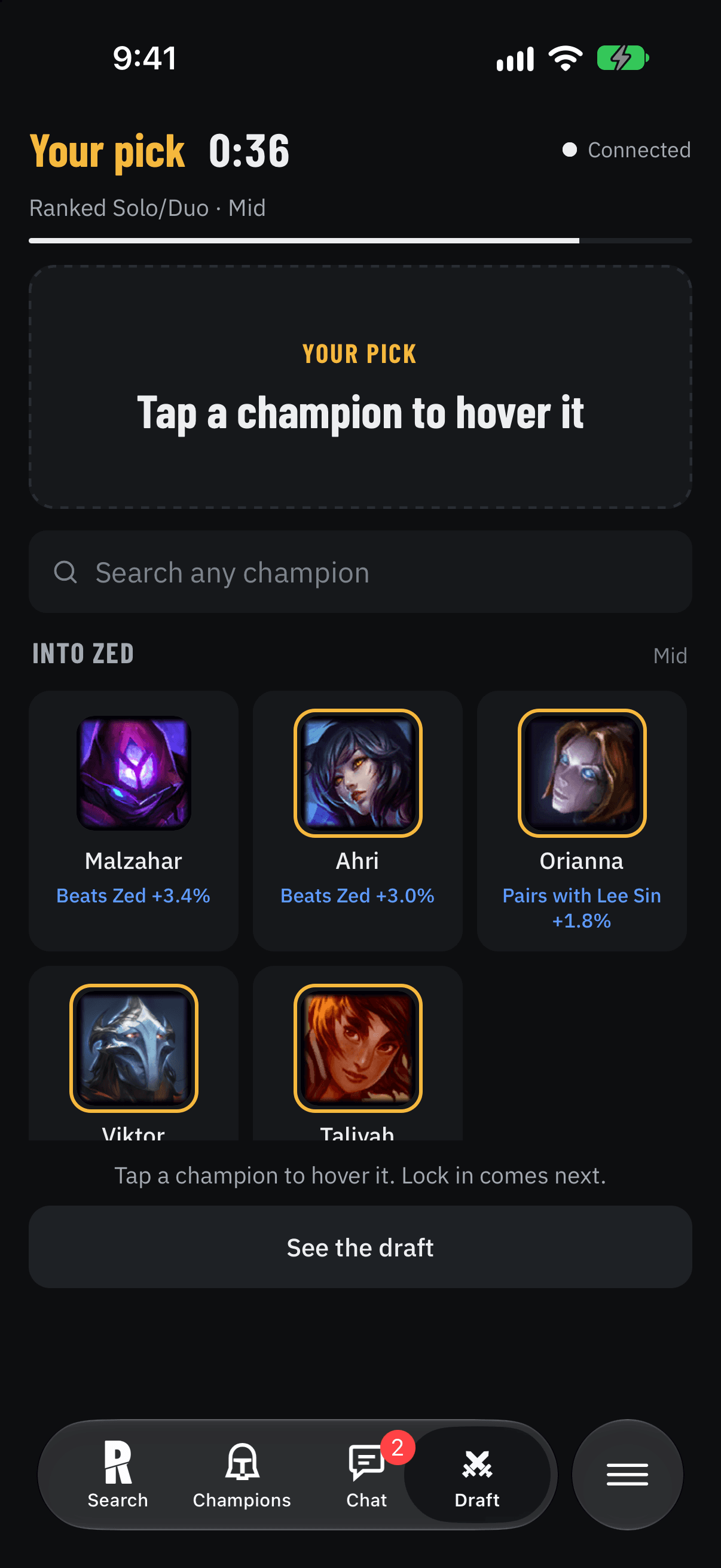
Ban and pick from your phone
Bans that beat what you're hovering, picks that counter your lane opponent, and your own best champions first. Tap to hover, tap again to lock in. Runes, spells and the item set go into the client by themselves.
- ✓Counters from this patch's high-elo games
- ✓Your pool, scored against the visible draft
- ✓Runes, summoner spells and items imported
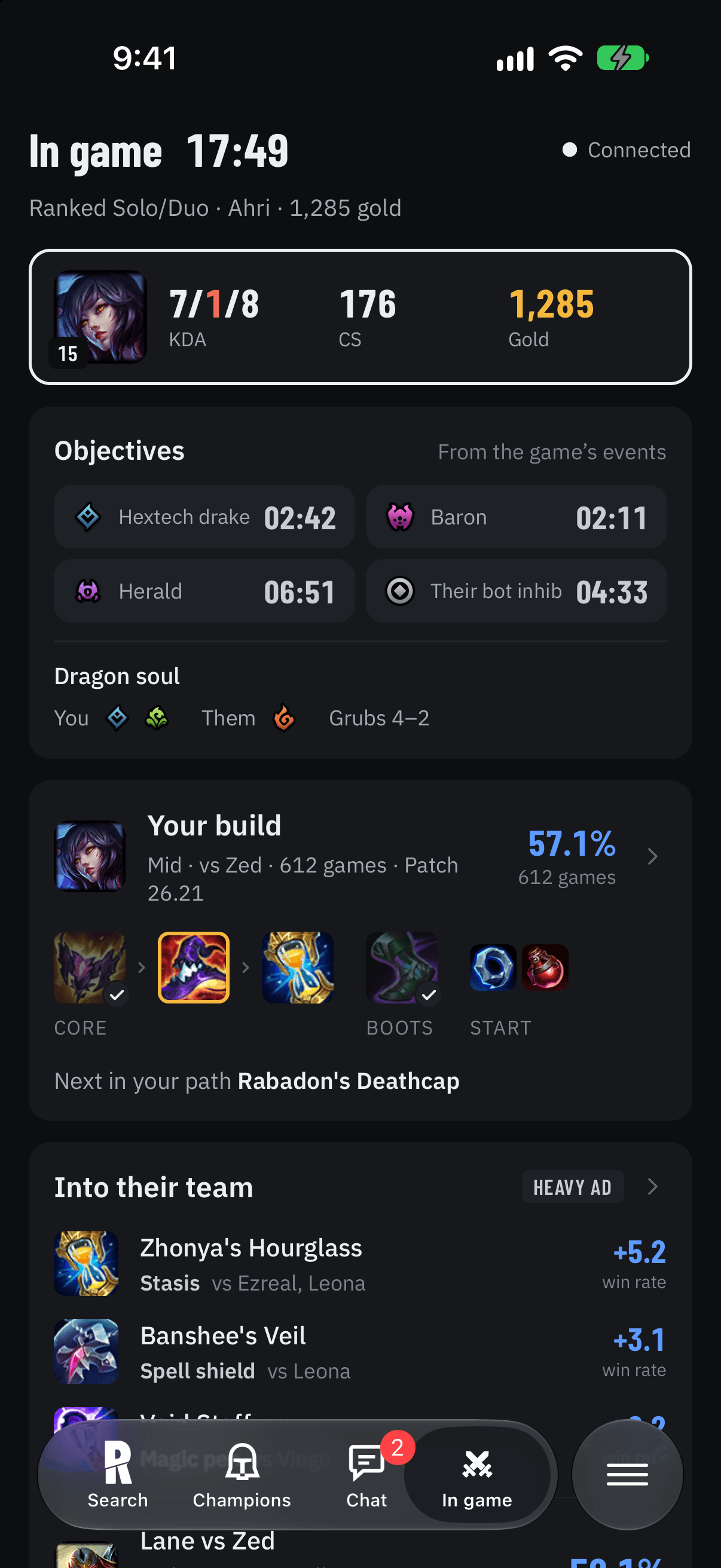
A second screen that keeps up
The live scoreboard, gold lead, everyone's items and KDA, and the next item on your build path, without alt-tabbing. A Live Activity keeps the score on your lock screen.
- ✓Updates every second while you play
- ✓Lock-screen Live Activity
- ✓Only what Riot allows, nothing that plays for you
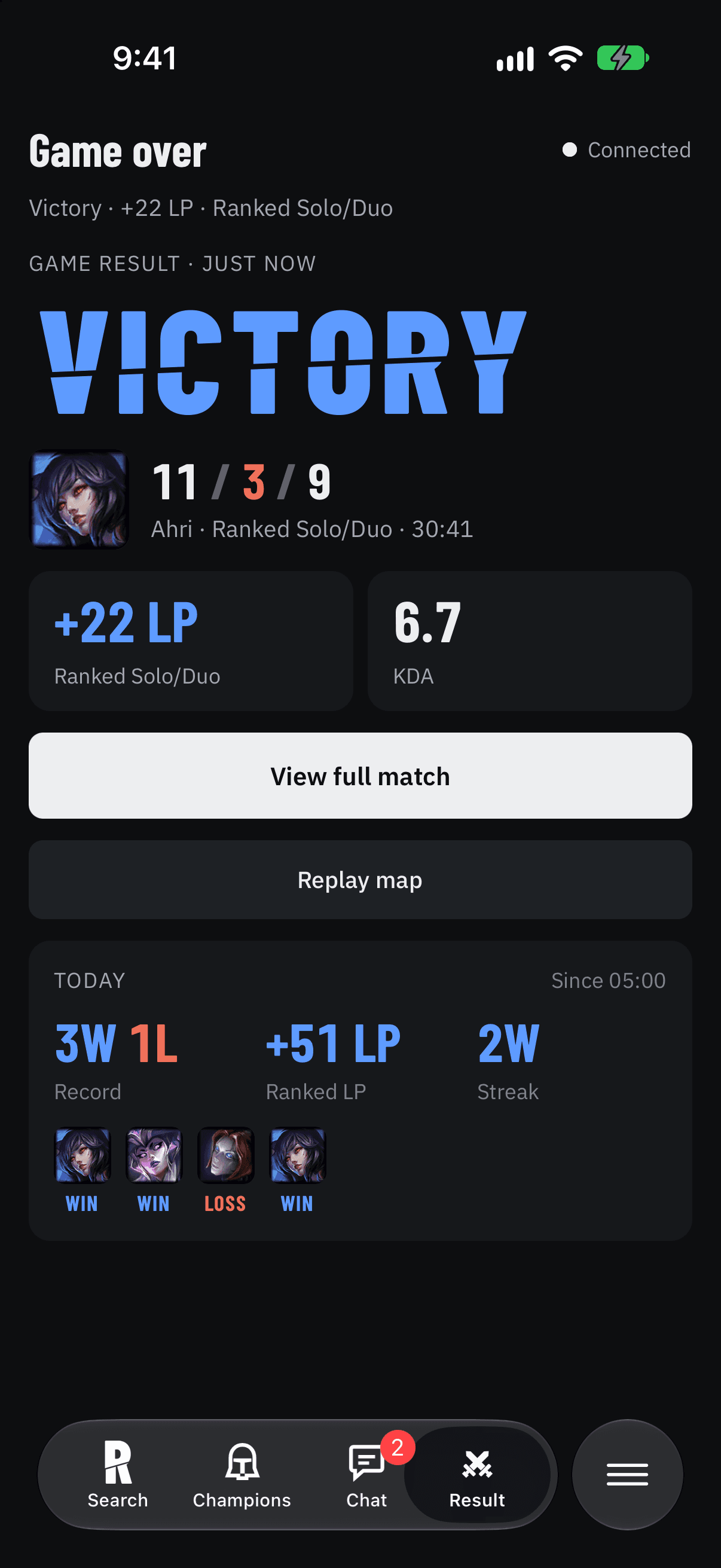
Know how you played
A grade for every game, the LP you won or lost, and where the game was decided: laning, damage, vision and objectives against players of your rank.
- ✓Grade and LP change in a notification
- ✓Breakdown against your rank
- ✓Match history with every detail
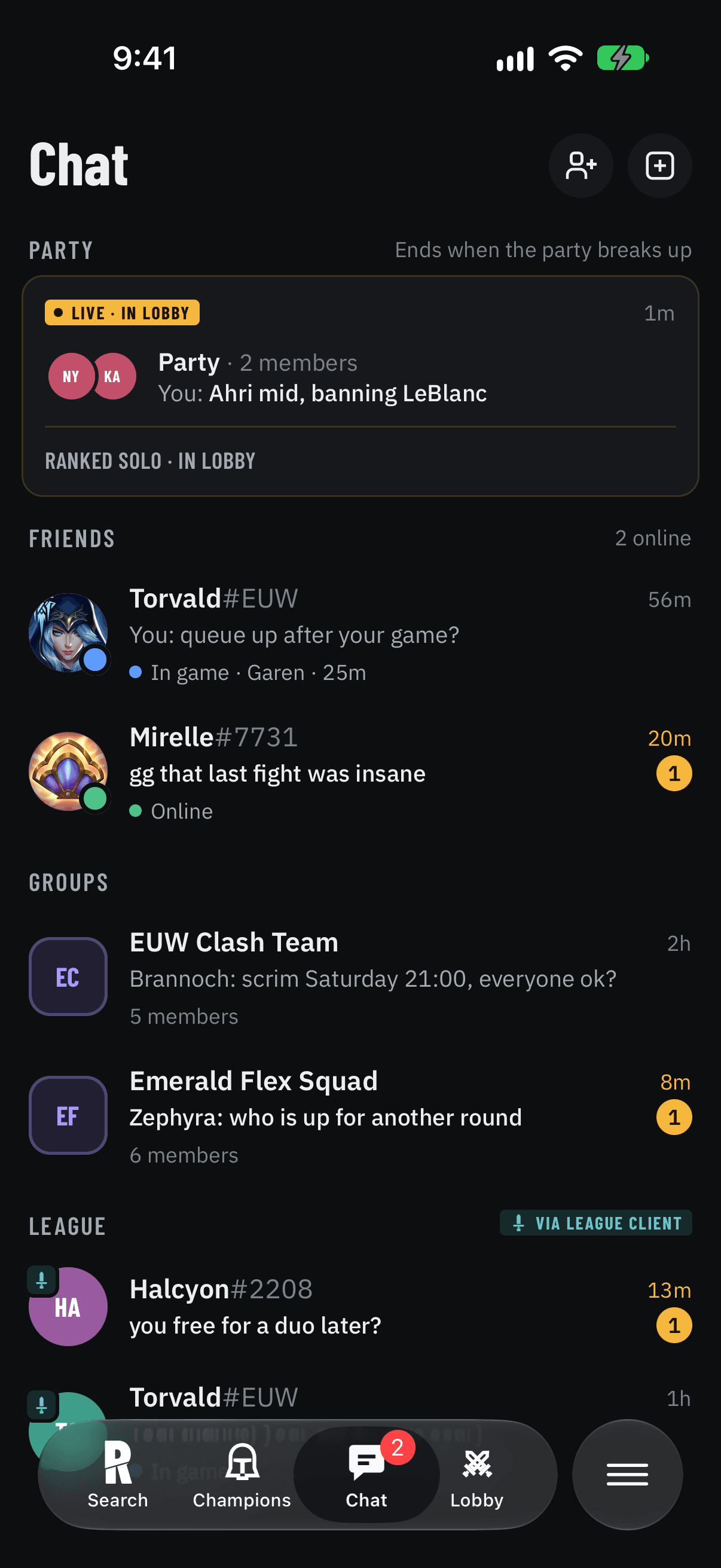
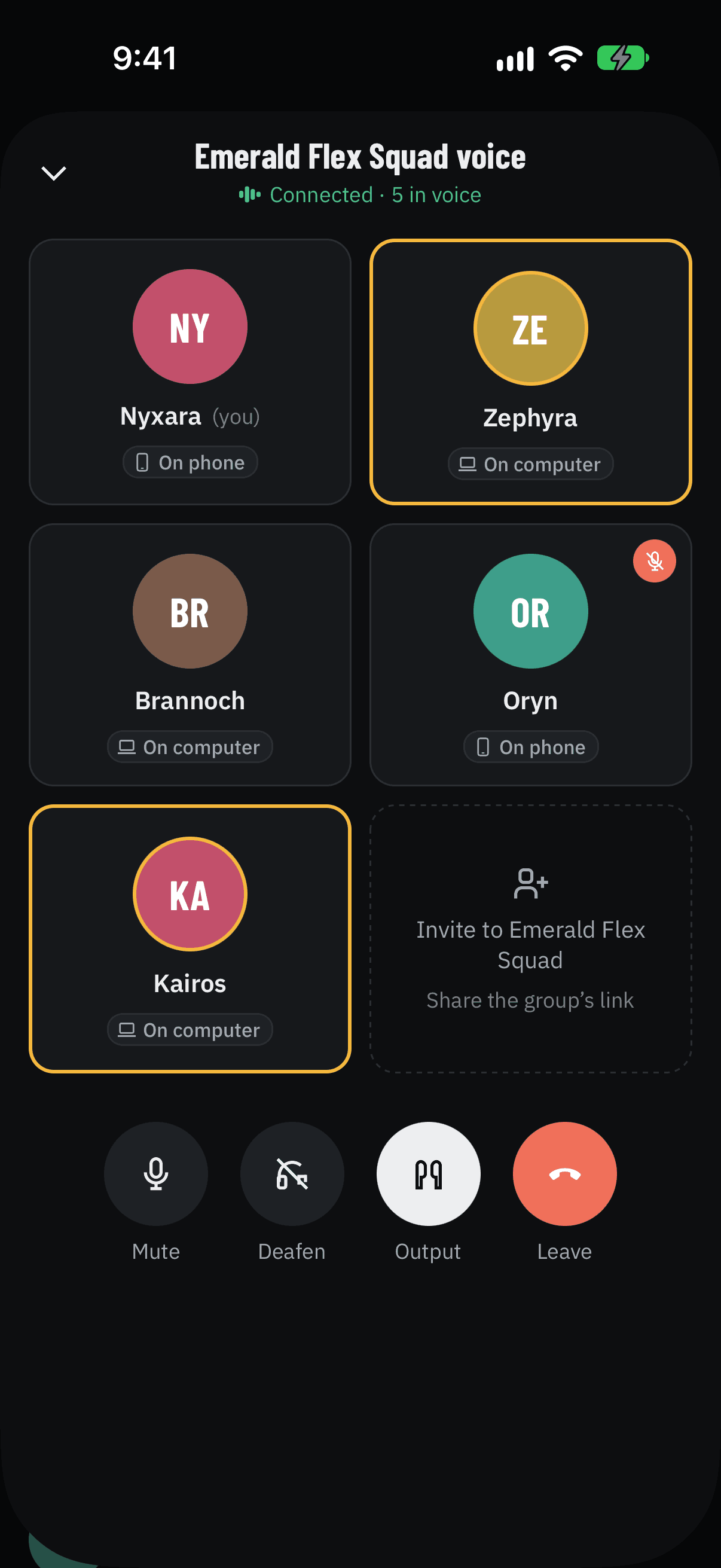
Talk to your team before the game starts.
Chat with your League account or just your Apple ID. Join voice from your phone, your computer, or both at once, deafen with one tap and pick where the sound comes out.
Everyone in your League lobby, in one room the moment you queue together. Voice included.
Add friends by Riot ID. See who's online, in champ select or in game.
Your Clash team or your duo. Invite with a link, keep the history.
Your League client's friends and messages, relayed to your phone by the desktop.
The part that sits next to League.
Rift for Mac and Windows reads the League client and links it to your phone. Pair once with a code and it remembers. It never touches the game itself.
Runes, summoner spells and an item set for your champion and role, in the client before you lock in.
Ranks, recent form and mains for all ten players while the game loads.
In Mayhem, the augments on your screen show up on your phone, so you can pick from there.
Starts with your computer, stays out of the way, and updates itself between games.
Built on real high-elo games.
Rift reads high-elo ranked games from Riot and counts them: 71,464 so far on patch 16.21. Tier lists, builds, counters and matchups update through the day, and every number shows how many games it comes from.
This list is live, straight from the Rift server.
Get Rift.
Install the phone app and the desktop app, then pair them with a six-digit code. Free while it's in beta.
Install TestFlight from the App Store, then open the link on your iPhone.
Join the betaSigned and notarized by Apple. Open it and drag Rift into Applications.
Not out yetIf Windows says it protected your PC, choose More info, then Run anyway.
Not out yetQuestions
Rift only uses what Riot lets third-party apps use: the League client's own interface and Riot's public API. It never reads or changes the game's memory, and the in-game screens only show what you could see yourself.
For champ select, the queue and the live game, yes: the desktop app is what talks to the League client. Profiles, match history, tier lists, builds and chat work on the phone alone.
No. Rift is free while it's in beta.
No. You can chat with just your Apple ID. Connecting your Riot ID lets friends find you and shows your rank and profile icon.
Not yet. Rift is iPhone only for now.